Watch a class work, and present to them
Live Classroom is the answer to "who is stuck" in a room where you cannot read thirty screens. It shows what the students on a module are doing while they do it.
Watching
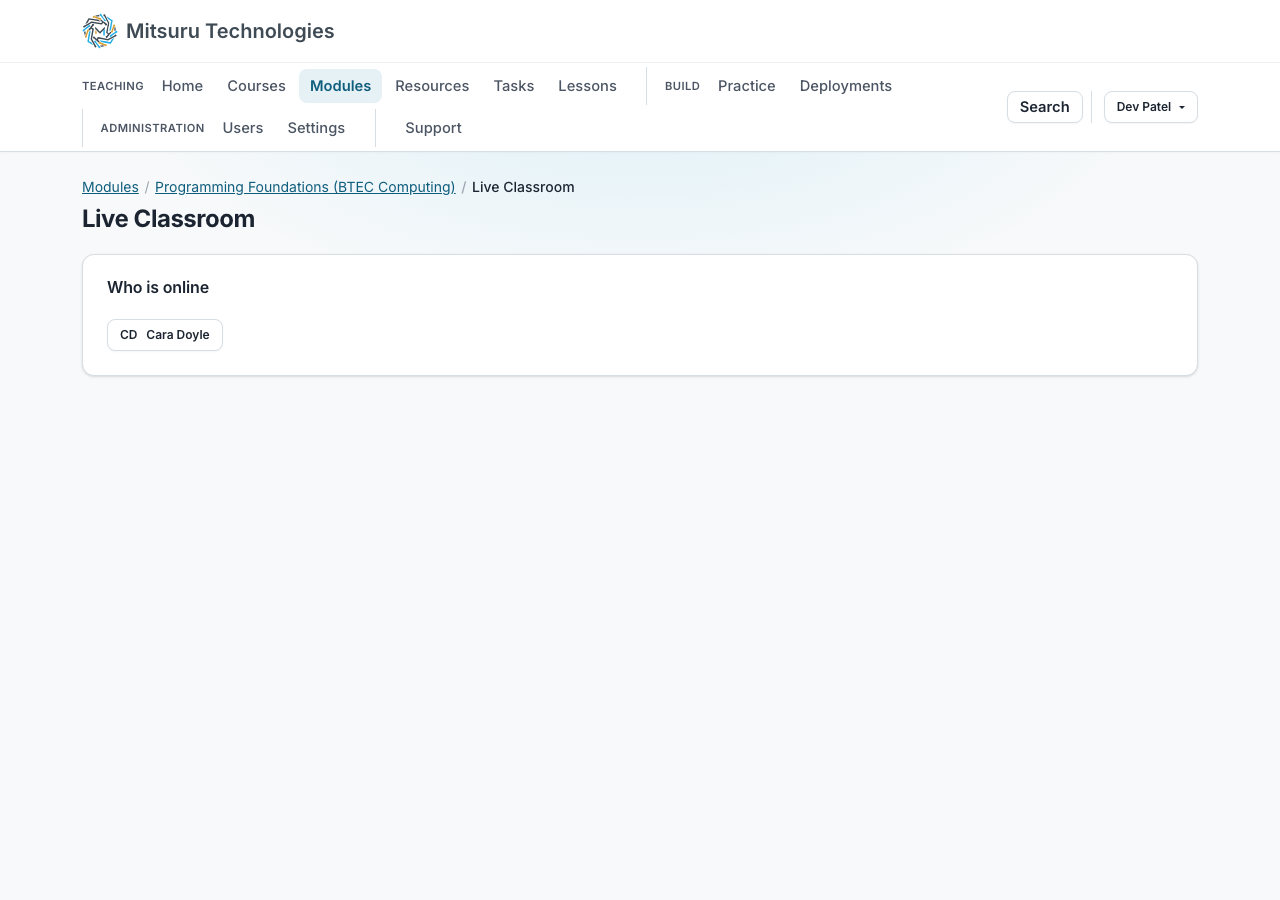
Open Live Classroom from the module, as an owner or teacher of it, and you see the students who are on one of its Python, Java, Node, Node (TS), Go or Bash tasks right now. The list refreshes every 15 seconds.
Click a student to open their last saved copy, read-only, in the same editor, with the comment thread beside it. It is deliberately not a live-synced editor: it is a look at whatever their autosave last wrote, so it can be a few seconds behind. While you have a student’s work open, they see a badge naming who is looking.
Web page, written and quiz tasks are not covered, and neither are diagrams. It is for the lesson rather than for the record: what happened is in the work and the access log, and this is the view while it is happening.
Presenting
Present to class puts your own editor on their screens, which is the version of "look at the board" that works when the board is a projector nobody at the back can read.
It is your screen as you type, not a picture of it: every edit, every tab you change to and where your cursor is reach the class in well under a second. Students follow along, can scroll away to read, and press Follow the teacher to catch up.
A program’s hidden tests are never presented, only the panes its students may see.
Anything that looks like a password, a key or a token is replaced with dots before it leaves the server. That is a net, not a guarantee, so keep secrets out of what you present.
A student who arrives late sees the screen as it is now, not from the beginning. You can hand control to one student so they type into your editor while everybody watches, and take it back at any time; nothing they typed is lost.
Every lesson presented is recorded, and the module’s Live page lists the recordings so anybody on the module can replay one afterwards.
Questions people ask
- Do students know they are being watched?
- Yes. Opening a student’s work is recorded and they see the same entries you do. While you have their task or their lesson open, their screen says so, and presenting is plainly visible too.
- Does it work for every kind of task?
- No. Watching covers programs in Python, Java, Node, Node (TS), Go and Bash. Web pages, written tasks, quizzes, diagrams and labs are not watched. Presenting covers a program in any language.
- Can a student replay a lesson they missed?
- Yes. Each presentation is recorded as it happens and listed on the module’s Live page, where it plays back with the edits and the pointer as they were.
- Can a student take over my screen?
- Only if you hand it to them, and only one student at a time. Take it back whenever you like.