Teaching AWS without an account: S3, DynamoDB and SQS for every student
Cloud services are the part of modern software a classroom normally cannot teach at all. Reading about object storage is not the same as putting a file in a bucket, and the usual way to get there is an AWS account, a card and a bill nobody wants to explain to a finance office. Most colleges never get past the diagram.
A student here presses Start on the Cloud tab and has three services: an object store, a NoSQL table and a message queue, speaking the Amazon S3, DynamoDB and SQS APIs. So boto3, the AWS SDK for JavaScript, Java or Go, and the AWS CLI all work against it unchanged, and the code a student writes here is the code they would write against a real account.
It is private to them, gone when they are done, and free. We are not affiliated with Amazon Web Services and this is not an AWS account: it runs on MiniStack, an open-source emulator, on the same machine as their app. AWS, Amazon S3, DynamoDB and Amazon SQS are trademarks of Amazon.com, Inc. or its affiliates, named here only to say which APIs the stack implements.
What a student gets
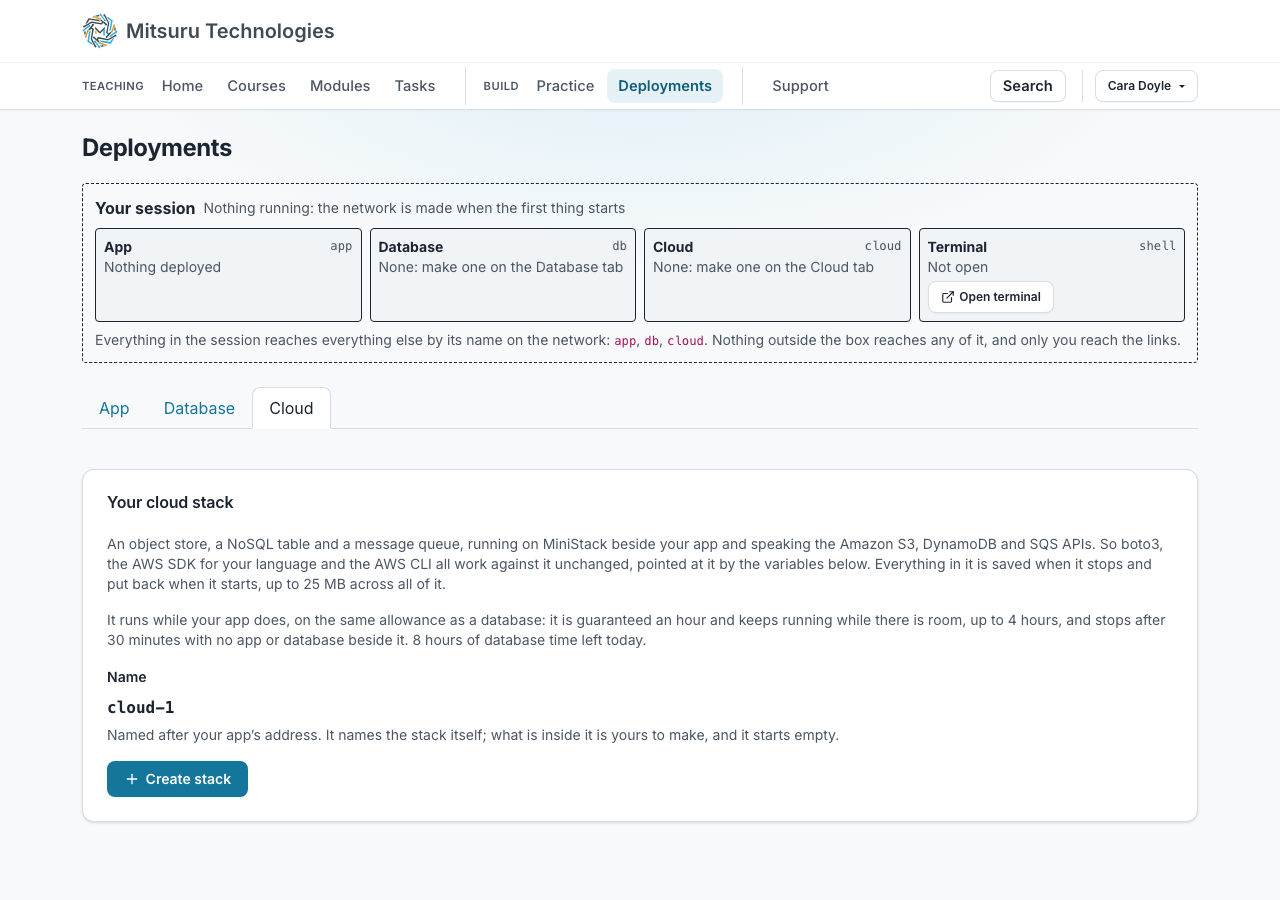
One stack each, on the same private network as their app, their database and their terminal. Everything in the session reaches it by the name `cloud`, so the configuration in a tutorial works unchanged and there is no URL to copy.
Starting it sets the variables every AWS SDK already reads: `AWS_ENDPOINT_URL`, an access key and secret made for them, and `AWS_REGION`. So `boto3.client("s3")` with no arguments finds the stack, with nothing to configure and no URL to copy.
The stack starts empty, the way a new account does: a student makes their own buckets, tables and queues, from their code or on the Cloud tab, and `create_bucket` before `put_object` is part of what the exercise teaches.
The credentials are generated, never chosen, and are shown on the page so a student can read what the variables mean.
- Open the Cloud tab. Under Deployments, beside App and Database. One stack per student.
- Press Start. The stack comes up in a few seconds, empty, the way a new account is.
- Read the variables. The endpoint, the key pair and the region are on the page. Every AWS SDK reads them from the environment on its own.
- Write the code. In their app, or in the terminal: `aws s3 ls`, `boto3.client("s3")`, or the JavaScript, Java or Go SDK. Nothing to configure.
- Look at what they made. The console on the same page lists buckets, keys, tables, items and queued messages as their code writes them.
A console in the browser, instead of the AWS Console
A running stack has a console on the page, on three tabs: Object Store (S3), NoSQL Database (DynamoDB) and Queue (SQS). Each lists everything of its kind in the stack, buckets, tables or queues, with a Delete beside each and a box to add one; pick one and it opens underneath. Object Store lists everything in a chosen bucket by its whole key, with a download beside each, takes an upload under a key the student types, and makes and deletes buckets. NoSQL Database lists the tables, scans one and edits a single item. Queue shows how deep each queue is and lets them send a message, look at what is waiting, delete one or empty the lot.
The object store shows keys, not folders. A folder is not a thing it has: what looks like one is every key that starts the same way, and photos/2026/cat.png is one name with slashes in it. That is what their own list_objects_v2 will hand back, so it is what the page shows. Nothing there edits or deletes a file either: changing what is in a bucket is what the app they are writing is for. Deleting a bucket does take what is in it with it, and asks first, naming what goes.
Looking at a queue does not take from it. The messages go straight back, so a student can watch their queue while their own program reads from it, which is the thing a console usually gets wrong and the thing that makes a working program look broken.
It makes things as well as showing them: a bucket, a table with the key it is organised by, and a queue, each created and deleted from the same three tabs. So a student can set their storage up by hand first and write the code against it afterwards, which is the order most tutorials teach in.
An item is shown in the typed form the table really stores, because that is what their own code will read back.
Files up to 1.0 MB go up through the console and up to 2.0 MB come back; a listing shows the first 200 objects, a scan the first 100 rows, and a peek ten messages. Their own program has no such limits, and the terminal is there for anything bigger.
The AWS CLI, in the browser terminal
Open terminal on any of the three tabs gives a real shell beside the session with the AWS CLI already pointed at the stack: `aws s3 ls`, `aws s3 cp`, `aws dynamodb scan` and `aws sqs send-message` all work with no `configure` step and no `--endpoint-url`. Anything the console does not offer can be done there, and a big file belongs there rather than in the browser.
The console carries files up to 1.0 MB and brings back up to 2.0 MB. Their own program has no such limit: it writes to the stack directly.
What is kept, and for how long
The whole stack is saved as one archive when it stops and put back when it starts, up to 25 MB across everything in it. The page shows how full it is and warns before the limit rather than after, because nothing can make an object store read-only and the honest thing is to see it coming.
It runs on the same allowance a database does, with the same guarantee, the same ceiling and the same idle rule, so a stack left running does not quietly spend somebody’s day.
Setting it as work
Tick the stack on the deploy form and it starts with the app, with the variables already set. So an assignment can be "a Flask app that stores uploads in an S3 bucket", "a worker that reads an SQS queue" or "a page backed by a DynamoDB table", which are ordinary industry tasks and were not setable at all before without an AWS account per student.
Whoever marks a deployed submission gets the student’s stack as they left it, and it is never saved back, so trying the app changes nothing the student is marked on.
Questions people ask
- Can students learn AWS without an AWS account?
- Yes. Each student gets an object store, a NoSQL table and a message queue implementing the Amazon S3, DynamoDB and SQS APIs, so they write the same code they would write against AWS, using boto3 or the AWS SDKs and CLI. There is no AWS account, no credit card and no bill. It runs on MiniStack, an open-source emulator, on the same machine as their app, and it is not an AWS account: nothing here is on the public internet.
- Which SDK should a student install?
- The ordinary AWS one for their language. boto3 for Python, the AWS SDK for JavaScript, Java or Go, or the AWS CLI v2 in the browser terminal. All of them read AWS_ENDPOINT_URL, AWS_ACCESS_KEY_ID, AWS_SECRET_ACCESS_KEY and AWS_REGION from the environment, and the stack sets all four, so a tutorial’s code runs unchanged with nothing to configure.
- Which AWS services does it support?
- The three a first course needs: Amazon S3 for objects, DynamoDB for a NoSQL table and Amazon SQS for a queue, which are also the three this platform uses itself. Whatever else the MiniStack image emulates comes with it, but those three are the ones the console shows and the ones we support.
- Is this affiliated with Amazon Web Services?
- No. MitsuruTech is not affiliated with, endorsed by or sponsored by Amazon Web Services. AWS, Amazon S3, DynamoDB and Amazon SQS are trademarks of Amazon.com, Inc. or its affiliates, and are named here only to say which APIs the stack implements, in the same way any tutorial or emulator does.
- Can two students see each other’s?
- No. A stack is on its owner’s own private network with no way in or out, so nothing outside their session can reach it at all, including the rest of this site. The console works by asking their own session to make the call.
- Does a guest get one?
- Yes. A guest may have one cloud stack and one database at the same time: the stack is not counted against the database allowance, and Deploy this sample on the Deployments page makes both. A guest’s account is kept for 24 hours after it was last used and each of its deployments runs for at most 30 minutes, which bounds the stack too. Keep this account turns it into a real one.