Running a class with nothing installed
The reason most schools cannot teach programming on their own machines is not the teaching. It is that installing Python on a managed estate is somebody else’s decision, and that decision takes a term.
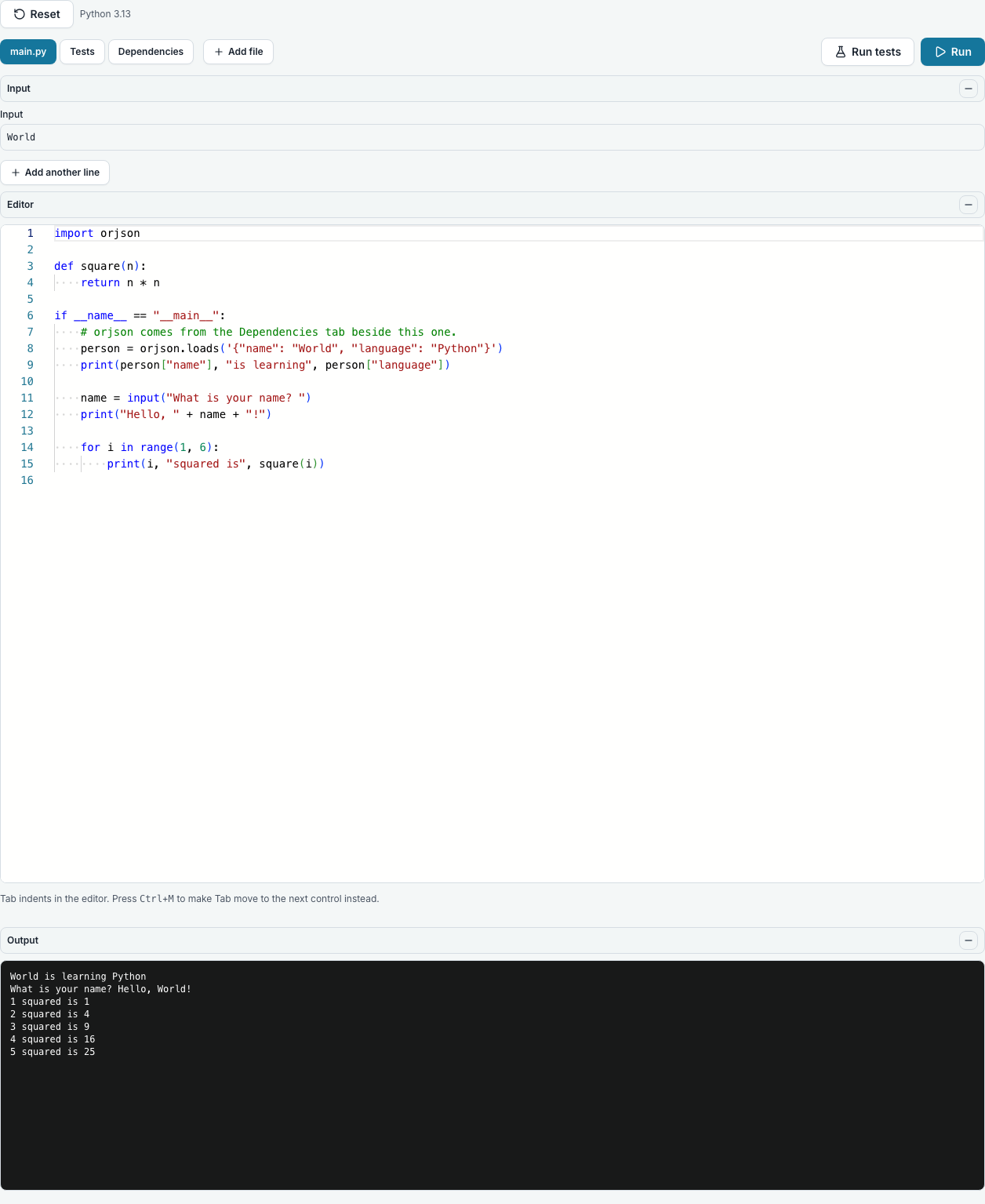
Nothing is installed here. The editor is a web page and the code runs on our machines, so a Chromebook, an iPad and a locked-down Windows laptop are all the same to it.
What a student needs
A browser and an internet connection. No plugin, no extension, no runtime, and no account they have to create themselves.
What your technician needs to do
Nothing, in the usual case. It is a website. If your filtering blocks unknown domains, they will need to allow ours, which is the whole of the conversation.
Phones and tablets
The pages are laid out for a narrow screen as well as a wide one. Most lists of people, tasks and files turn into a stack of cards on a phone, with every value beside the name of its column, so a student reading on a phone sees what a teacher sees on a laptop.
There is a playground with no account at all
If you want to see the editor before signing anything, the public playground runs Python, Java, Go, C, C++, C#, Haskell, OCaml, R, Ruby, PHP, Rust, Kotlin, Prolog, JavaScript and TypeScript on Node, Bash, SQL, web pages and a Linux terminal with no account and nothing to fill in. Nothing is blocked until somebody signs in; an account is only there to keep what they wrote.
Questions people ask
- Does it work on a Chromebook?
- Yes, and on an iPad. There is nothing platform-specific to install.
- Do we need a lab of identical machines?
- No. Every student gets the same environment because the environment is ours, not theirs.
- Can I try it without signing up?
- Yes, on the playground.