Courses, cohorts and year groups
A college is not a flat list of students. A course holds cohorts, a cohort is a year group, and modules are taught to those. Setting that up once means you hand work to "Year 1 Computing" rather than to thirty names.
Courses hold cohorts
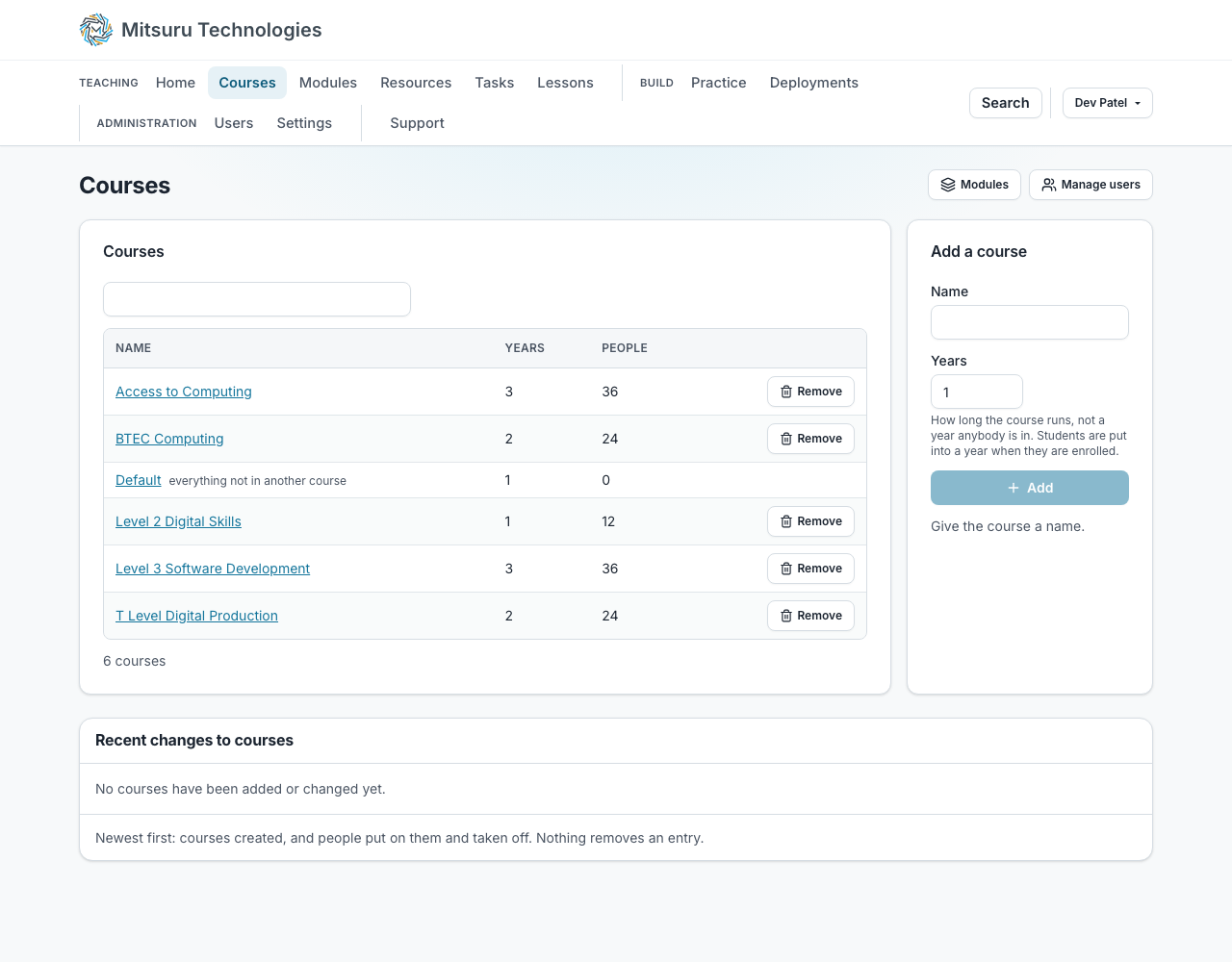
Make a course, add the years it runs, and put students in the year they are in. The accounts list filters by course and by year, so finding "second years on Digital" is two clicks rather than a search.
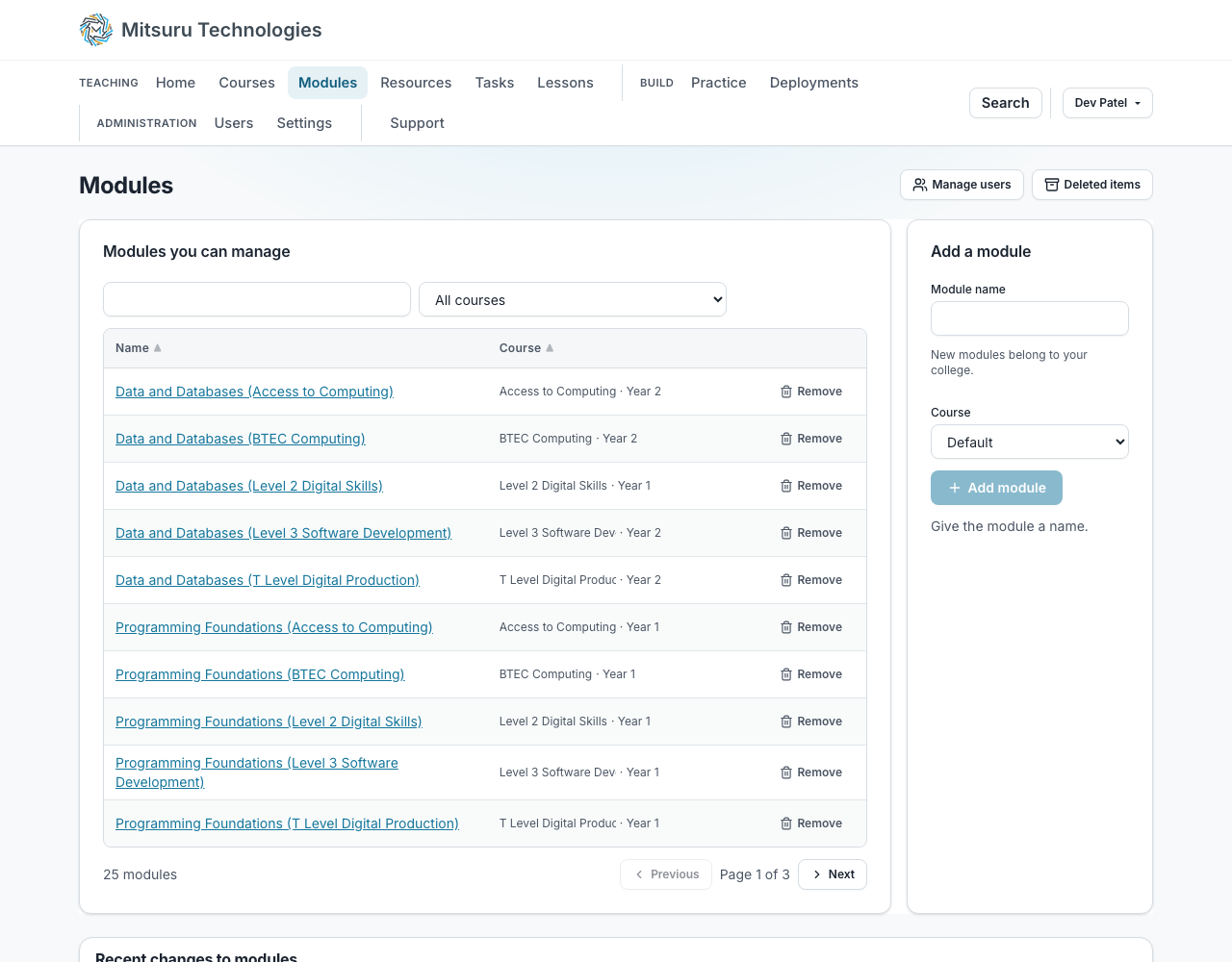
Any teacher can add a course or a module, so starting a new unit never waits on somebody else. A teacher who makes a module owns it; putting people on a course and renaming or removing one stay with the college admin.
Every college starts with a course called Default, and everybody is on it from the moment their account exists. It is where a module that is simply the college’s sits, so it cannot be removed. Any other course can be removed, into the bin, and comes back with its enrolments, unless it still has modules in it: move those into another course first.
A course’s own page, and moving a cohort
A course’s page has two tabs, Modules and People. On Modules, Create a module makes one straight into the course, with a year if you want one. On People you enrol from a searchable table: tick a class and enrol them all in one press with a year beside the button, or use Enrol on a single row for the student who arrives late. Staff are offered no year, because teaching across the whole course is what no particular year means.
A student is enrolled in a year of study or in none, and one person can be on several courses, in a different year of each. You can move a selection to another year, take a selection off the course, or take a whole year off it, each in one press. Taking somebody off a course takes them off that course’s modules too, so they stop getting notices for it. What they saved is untouched.
A module can belong to a cohort
Which means the class is already on it. Next September the cohort moves up and the module you taught last year still holds last year’s work, exactly as it was.
A module with a course and no year reaches everybody on the course. Give it a year and only that year’s students can be put on it or handed its tasks, and the platform refuses anybody outside it even if a list on the page offered them.
Questions people ask
- What happens to a student’s work when they finish?
- It stays where it is. Taking somebody off a module does not touch what they did on it.
- Can one student be on two courses?
- Yes, and in a different year on each.
- Can I remove a course?
- Yes, unless it is the Default course or still has modules in it. The platform tells you which, and what to do next. A removed course goes to the bin with its enrolments and can be put back.